Guides · 2 min read

One scene, many images.

In CGI, the scene is the investment and the images are the output. Once a set is built, lit and styled, it keeps producing images for as long as you need them.

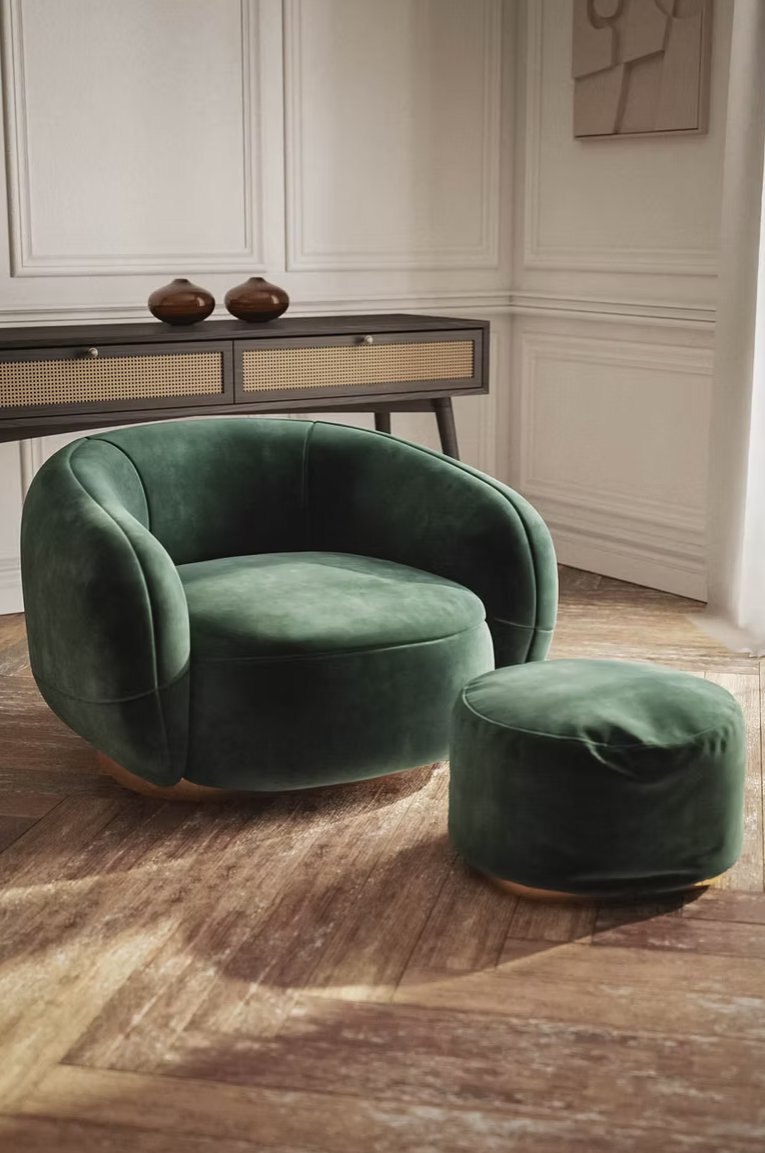
Furniture CGI of green lounge chair and ottoman in a styled interior roomset
What it isTypical use
Hero shotThe main composed image of the scene.Campaign, catalogue cover, website.
Extra anglesNew cameras in the same set.Catalogue spreads, social media.
Detail cropsClose-ups of materials, joints and handles.Product pages, print details.
Finish variantsThe same image in every colour or fabric.E-commerce, configurators, dealer packs.
FormatsPortrait, landscape and square versions.Social, banners, print layouts.
Later additionsNew products or colours placed in the same set.Next season, new launches.

How it works

Once the scene is modelled, lit and styled, the camera, light and composition stay exactly as approved. Only what changes gets rendered again. That is why every variant looks consistent, down to the shadows.

An example

Picture a sofa brand with one model in twelve fabrics. One living-room scene with three cameras gives thirty-six roomset images, plus a detail crop of each fabric, all in the same light. Next season, the rug and cushions change, a new armchair joins the set, and the catalogue gets fresh images without a new build.

What needs new work

A completely new room, a very different angle, or changes to the product's shape. Everything else draws on the scene you already have.
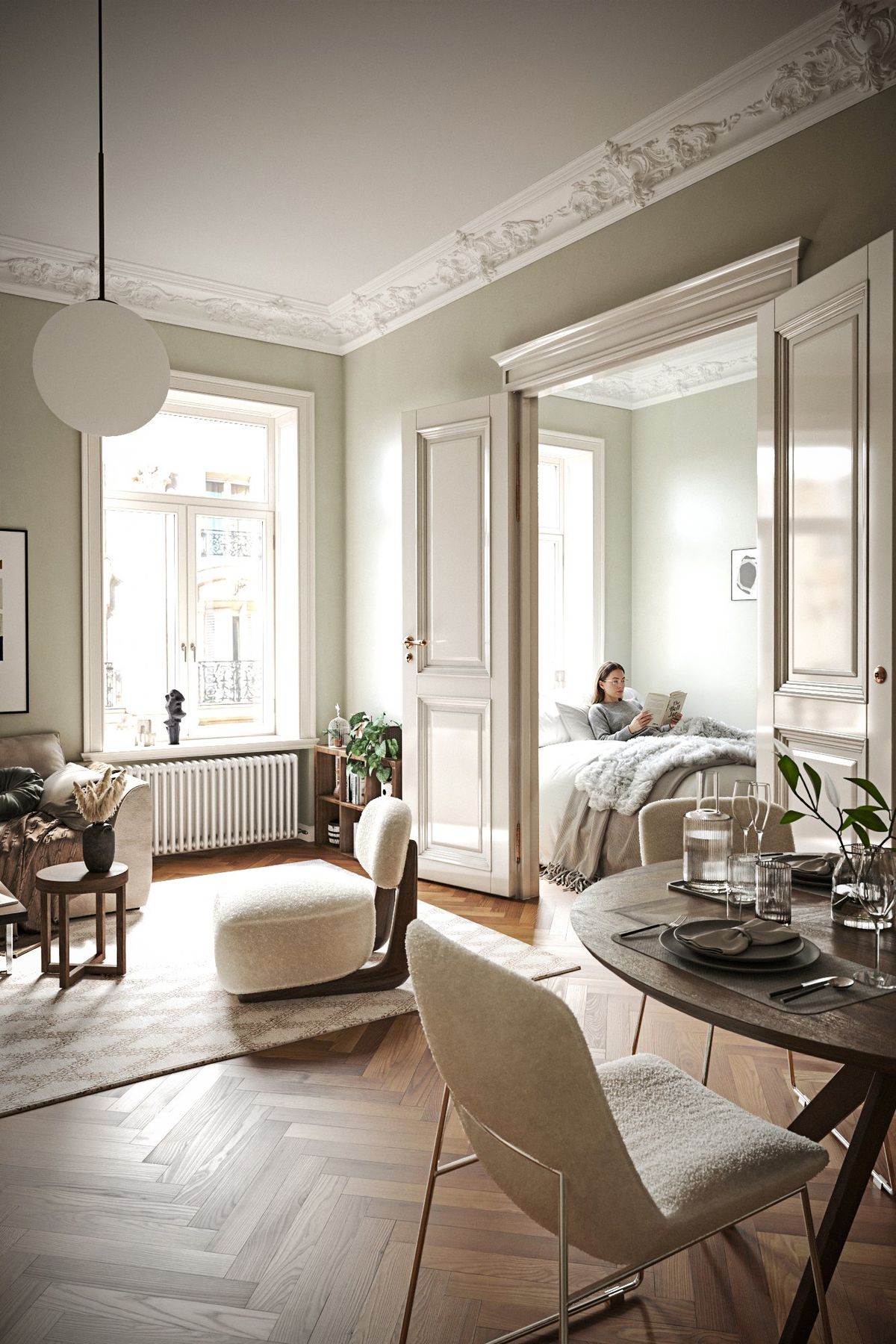
Photoreal living room interior visualization with sofa, lounge furniture and natural daylight (person added with AI)
One living-room scene: new fabrics, cameras and crops come from the same setup.

Have a range with many variants?

Send the products and the finishes. We will suggest how many scenes you actually need.

Send a brief
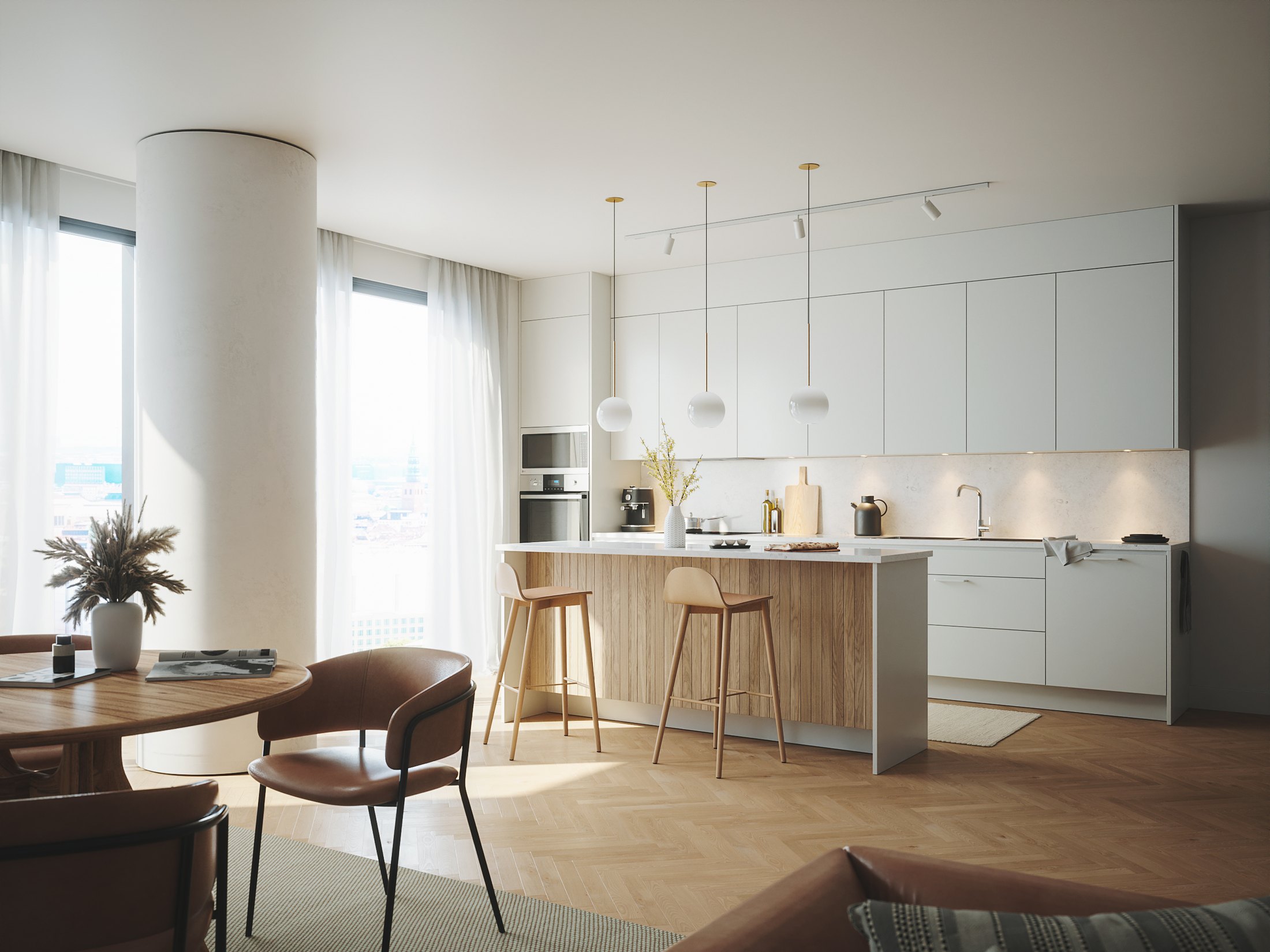
Photoreal 3D kitchen visualization with pale cabinetry, wood island and natural daylight for manufacturer marketing